
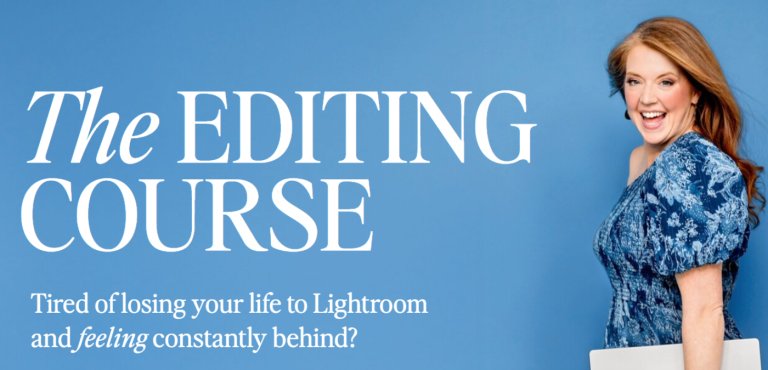
Katelyn James – Editing Course Overview
Katelyn James’ Editing Course is designed for photographers and creatives who want to elevate their editing skills, streamline their workflow, and make their images look professional and high-end. This self-paced course combines practical video instruction with hands-on resources to help you master Lightroom and enhance your photography editing techniques.
What You’ll Get
- Comprehensive Workbook
Each lesson is supported by a detailed workbook, providing step-by-step guidance, exercises, and practical tips to reinforce your learning. - Complete Lightroom Training
Learn every tool and feature Lightroom offers. From basic adjustments to advanced techniques, this course ensures you fully understand the software and how to use it efficiently. - Blog Post Preparation & Curation
Discover Katelyn’s approach to prepping and curating blog posts. Learn how to make your photos look polished and high-end, perfect for professional portfolios or client galleries. - Hands-On Editing Demonstrations
Watch Katelyn edit dozens of challenging images in real-time. See how she tackles problem areas, enhances colors, adjusts lighting, and creates consistent, professional-quality results. - Self-Paced Lessons
With 20+ lessons, the course is entirely self-paced, allowing you to learn on your own schedule without pressure. - Extensive Video Training
Over 12 hours of video content, including both screen and face-view tutorials, giving a personal and immersive learning experience. - Exclusive Bonuses
- KJ Import Preset: Jumpstart your editing process with the exact preset Katelyn uses for all her edits.
- 5 Local Adjustment Brush Presets: Quickly apply complex adjustments to specific areas of your photos, saving time and improving consistency.
Who This Course is For
- Photographers looking to take their editing skills to the next level.
- Bloggers or content creators who want their photos to stand out with a high-end look.
- Beginners to intermediate Lightroom users seeking practical guidance and insider tips.
- Professionals aiming to streamline their workflow and achieve consistent results.
Key Benefits
- Efficiency: Learn time-saving techniques and presets that speed up your workflow.
- Consistency: Achieve a cohesive and professional look across all your images.
- Confidence: Understand how to handle challenging edits and tricky lighting situations.
- Flexibility: Self-paced lessons and resources allow you to learn when it suits you.
Final Takeaway
Katelyn James’ Editing Course is more than just a Lightroom tutorial—it’s a complete system for mastering professional photo editing. From curated blog-ready images to powerful presets and practical demonstrations, this course equips you with the tools and confidence to create polished, high-quality photography that stands out.
Download Proof (29.67 GB)


